
How to use the 9:16 Aspect Ratio calculator
Choose a mode
Resize by Aspect Ratio keeps 9:16. Calculate Aspect Ratio reads the ratio from two pixel sides.
Enter the numbers
The form opens at 9:16. Change the width or the height, or type both pixel sides.
Read the result
A width of 1080 is 1920 tall at 9:16.
Summarize with
Vertical video for TikTok, Reels, Shorts and Stories
9:16 is vertical video: TikTok, Reels, Shorts and full-screen Stories. A typical master is 1080×1920. Landscape 16:9 footage must be cropped or padded to fit.
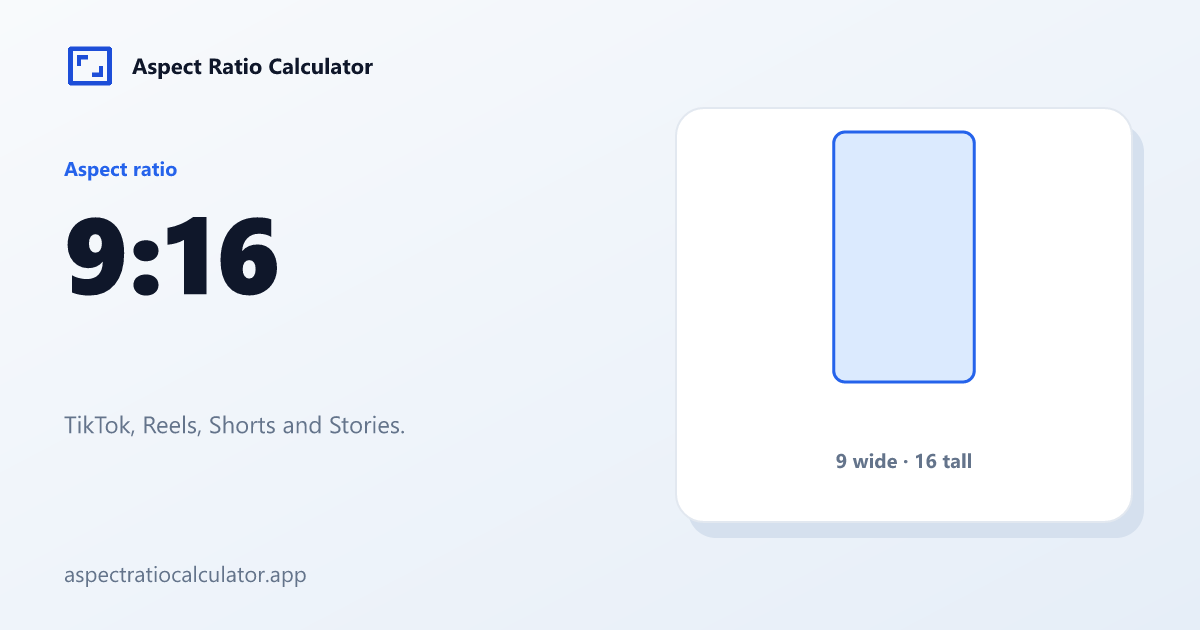
One 1080×1920 master can feed those apps when the brief is full-screen vertical. The dedicated 1080×1920 page lists megapixels. TikTok and Instagram list the placements that cite this frame.
A 1080×1920 master is the usual vertical delivery size. It is not “1080p” in the broadcast sense; it is a 9:16 pixel grid that happens to be 1080 wide. The dedicated 1080×1920 page lists megapixels and scale steps.
Safe framing on a phone
The ratio is simply 16:9 rotated. It became a search term of its own when mobile-first apps filled the phone screen. This page keeps the portrait resolutions and convert examples; the 16:9 page keeps broadcast history.
Captions, stickers and username bars move between app updates, so this page only claims the frame. Keep faces in the centre third of a 9:16 aspect ratio before you add type. A lower-third designed for landscape will sit under the UI or get cut.
Export 1080×1920 when the brief is full-screen vertical. That file is the 9:16 aspect ratio at the size TikTok, Reels and Shorts already expect. Scale both sides together if you need 720×1280. Do not take a 16:9 timeline and stretch it taller.
Safe-zone UI chrome (captions, stickers, username bars) is not specified here because apps move those overlays. We only claim the frame shape. Crop a 16:9 interview so faces sit in the centre third before you add stickers.
Fitting a YouTube master onto a phone
A 1920×1080 interview trimmed for vertical is 607×1080. Keeping every landscape pixel and stacking bars produces 1920×3414, which is a very tall canvas. Most short-form edits trim, then check the face. Teams who cannot lose the stage pad first and design the bars.
Pad to 9:16 if the whole landscape scene matters more than filling the phone. The padded canvas is huge (1920×3414 from HD). Many teams crop first, then add branded bars. That is still pad, just designed.
9:16 is taller than 4:5 (Instagram feed portrait) and 2:3 (still photo portrait). From 1920×1080, crop is 607×1080 and pad is 1920×3414 using the site formulas.
Frequently asked questions
What export size is vertical video?
1080×1920 is the common master. It is 1080 wide, not “1080p” in the broadcast sense. Scale both sides together if you need 720×1280.
How do I turn a 16:9 interview into a Story?
Trim the sides to 607×1080 when the speaker is centred. Pad to 1920×3414 when titles at the edge must remain. Do not stretch the 16:9 frame taller.
Is 9:16 just 16:9 rotated?
The fraction is the same pair swapped. The viewers, the UI and the crop from a landscape camera are not. Treat the 9:16 aspect ratio as its own delivery, and keep broadcast history on the 16:9 page.
Why does padding look so tall?
A 1920-wide landscape needs more than three thousand rows to become 9:16. That empty space is why many editors crop instead.