
How to use the Custom Aspect Ratio Calculator
Type a decimal
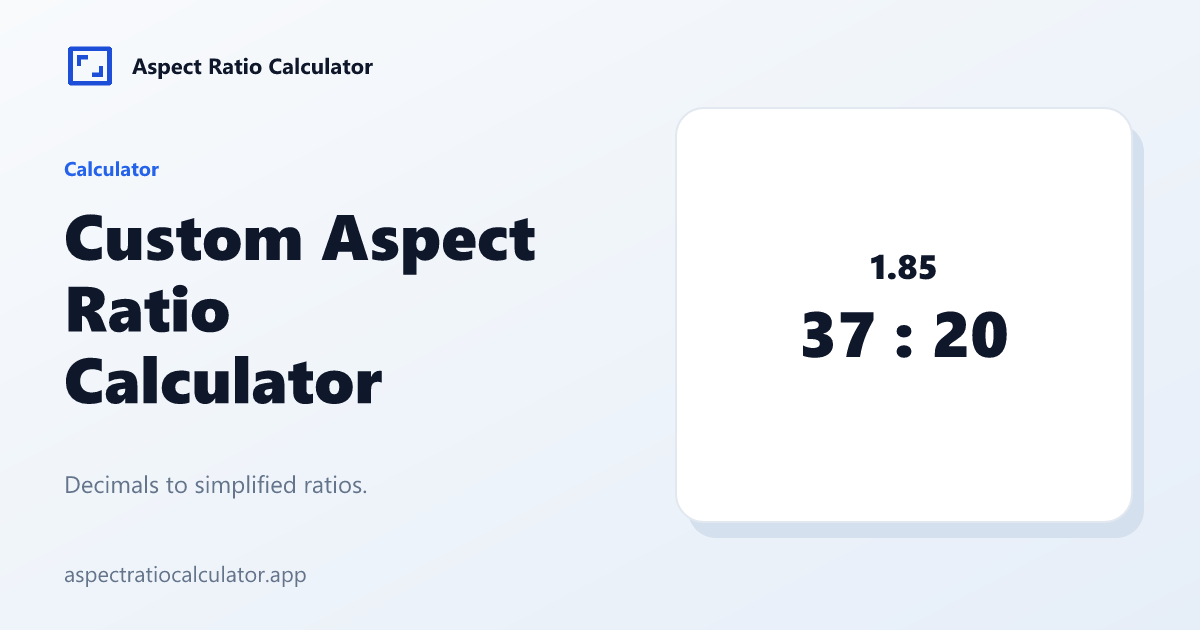
1.85 becomes 37:20. 2.39 becomes 239:100.
Type a width
The matching height updates as you type. Changing the decimal updates both the ratio and that height.
Read both
The big number is the simplified ratio. The line under it is the pixel size.
Summarize with
Decimal to fraction
Write the decimal as a fraction over a power of ten, then divide by the GCD. 1.85 is 185/100; GCD 5 yields 37:20. 2.39 is 239/100 already coprime.
Cinema 1.85:1 and 2.39:1 are why those two fixtures exist. They are not 16:9 and not 21:9.
Resize with a custom ratio
After 1.85 becomes 37:20, H′ = W × 20/37. The home Resize tab Custom chip does the same math.
Common mistakes
Typing 1,85 with a comma in an en locale. Use a period in v1.
Expecting 2.39 to become 21:9. It will not; the relative error is larger than a 1% default.
Cinema decimals on the Custom Aspect Ratio Calculator
1.85 becomes 37:20 because 185/100 reduces by 5. 2.39 becomes 239:100 because those integers are already coprime. 2.5 becomes 5:2. After the fraction appears you can lock a width and resize with the same H′ = W × rh/rw rule as the home Resize tab.
The 21:9 chip is 2.333…, not 2.39. If a producer says “scope,” type 2.39 here instead of picking ultrawide marketing.
A custom aspect ratio is any shape that is not already a chip. Type the decimal from the brief, read the simplified fraction, then set one side. The other side follows. Use 1.85 or 2.39 for cinema, and the exact pixel pair when a panel is sold under a nickname such as 21:9.
Cinema decimals that are not chips
1.85:1 becomes 37:20. 2.39:1 becomes 239:100. 2.5:1 becomes 5:2. None of those are 16:9 or 21:9. Type the decimal, read the fraction, then resize a width. The home Resize Custom chip runs the same decimalToFraction helper.
Comma decimals such as 1,85 are not parsed in v1 English UI. Use a period. If a panel is 19.5:9, type 19.5 or the exact pixels; do not round it to 2:1 and call it done.
Frequently asked questions
What is a custom aspect ratio?
Any W:H that is not a chip, including decimals such as 1.85.
What is 1.85 as a ratio?
37:20.
What is 2.5 as a ratio?
5:2.
What is 2.39 as a ratio?
239:100.
Can I resize to that?
Yes. Enter a width after the fraction appears.