
How to use the DPI to Pixel Calculator
Choose the direction
Paper to pixels multiplies inches or centimetres by DPI. Pixels to paper divides.
Pick inches or centimetres
The sample is 8 by 10 inches. Switching to centimetres converts those sides.
Read the size
The big number is the pixel size, or the paper size if you started from pixels.
Summarize with
Inches times dots
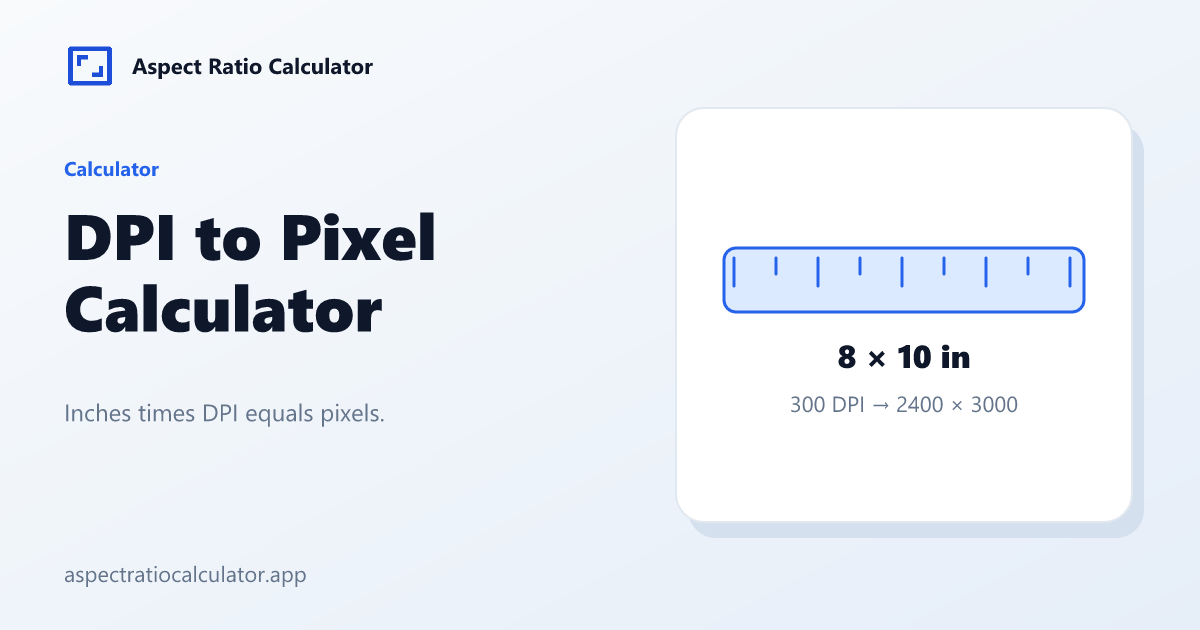
px = in × DPI. in = cm / 2.54. Reverse: in = px / DPI. The two fixtures 8×10 at 300 and 8×10 at 72 are computed in the preview above.
DPI here is print dots per inch, not phone PPI. The PPI calculator answers pixel density of a screen.
When 72 DPI still appears
72 DPI is a legacy screen assumption. Print labs usually ask for 300 DPI. The DPI to Pixel Calculator will still multiply 8×10 by 72 if you type it, because the math is the same. A poster seen from across a room can use a coarser sample than a photo held in the hand.
Common mistakes
Treating 300 DPI as a quality guarantee regardless of viewing distance.
Entering millimetres without switching the unit.
Print workflow using this page
Start from paper size when a lab quotes inches. 8×10 at 300 DPI is 2400×3000; at 72 DPI it is 576×720. Both fixtures live in tests/fixtures.json so a future rounding change cannot silently rewrite the article.
If you already have pixels and want inches, divide. If you have a diagonal phone spec, leave this page and open the PPI calculator. That tool starts from a hypotenuse, not from paper.
A dpi to pixel job is finished when both sides are the size the lab can place on that sheet. Check the unit before you multiply: inches times DPI, or centimetres divided by 2.54 and then times DPI. A poster viewed across a room can use fewer dots than a photo held in the hand, so 300 is a common lab ask, not a law.
Lab versus screen assumptions
A lab that says “send 300 DPI” wants pixels = inches × 300. An 8×10 at that spec is 2400×3000. Sending 576×720 (the 72 DPI cousin) is the same paper size with far fewer samples. The DPI to Pixel Calculator will compute either; it will not judge viewing distance.
Switch centimetres when a print spec is ISO paper. Divide by 2.54, then multiply by DPI. Millimetres need an extra /10; v1 has no millimetre unit to avoid a third conversion foot-gun.
Frequently asked questions
What does dpi to pixel mean?
Multiply each side in inches by the DPI to get pixels.
What is 8×10 at 300 DPI?
2400×3000 pixels.
What is 8×10 at 72 DPI?
576×720 pixels.
Can I start from centimetres?
Yes. Divide by 2.54 first.
Is this the same as PPI?
No. PPI is screen density from a diagonal.