
The formulas
Four equations cover the work: simplify two sides, find the missing side, crop with floor, and pad with ceil. Each card is a rule the calculators run, and the line under it is the number that rule returns.
Simplify
(W ÷ gcd) : (H ÷ gcd)
1920 and 1080 share 120, so the ratio is 16:9.
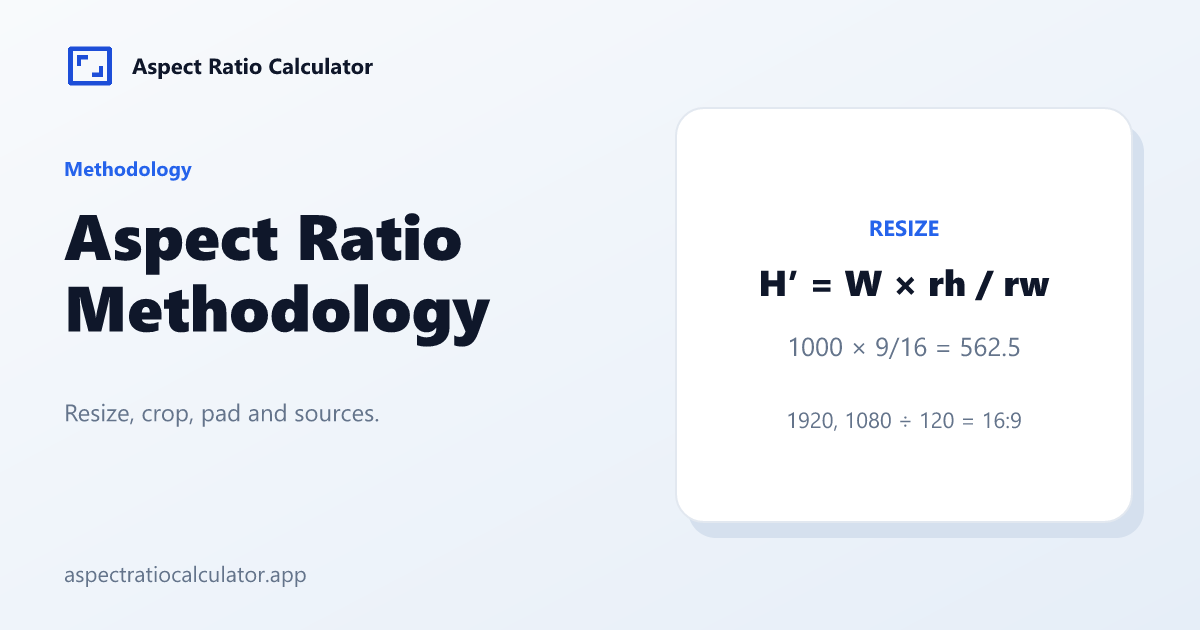
Resize
H′ = W × rh ÷ rw
W′ = H × rw ÷ rh
A width of 1920 at 16:9 returns a height of 1080. A height of 1080 returns a width of 1920.
Crop
cropW = floor(H × rw ÷ rh)
When the source is wider than the target. 1920×1080 to 9:16 is a 607×1080 crop.
Pad
canvasH = ceil(W × rh ÷ rw)
When the source is wider than the target. 1920×1080 to 9:16 is a 1920×3414 pad.
Simplifying a width and a height
Width and height start as positive whole numbers. The greatest common divisor comes from the Euclidean algorithm, and both sides are divided by it. The decimal 1920÷1080 is shown to four places as 1.7778, beside the simplified pair.
1366 and 768 share a divisor of 2, so the exact ratio is 683:384. A page may also name 16:9 as the nearest common ratio and state the gap. Under this aspect ratio methodology the badge means close to, and the fraction on the page stays 683:384.
A decimal such as 1.85 is written over a power of ten and simplified the same way, which is why 1.85 becomes 37:20 and 2.39 becomes 239:100. Two ratios are compared after each value is snapped with round(x × 1e9) / 1e9, so binary float noise cannot flip a nearest-standard label.
The other side of a locked ratio
When the ratio is locked, the missing side is the resize formula above. Change the width and the height follows. Change the height and the width follows.
Crop and pad are a different job, and only the converter runs them. They use floor and ceil, for the reasons in the next section.
Crop uses floor, pad uses ceil
A crop is the largest rectangle of the target ratio that still fits inside the source. The changed side is floored, so the crop cannot stick out past the picture you started with. A pad keeps every source pixel and grows the canvas on the short side until the canvas matches the target ratio. The changed side is ceiled, so the canvas cannot come out a pixel short.
The cards show the usual case, a 16:9 master that is wider than the target. From 1920×1080 to 4:3, the crop is 1440×1080 and the pad is 1920×1440. When the source is taller, floor and ceil move to the other side: the height stays, and the width is the side that changes.
Stretch is not one of these formulas. It fills the frame by changing the shape of the picture. The converter keeps that path behind a warning, so a distorted width and height are not the first numbers on the page.
What gets a source line
Under this aspect ratio methodology, a platform size is published only with the network’s own help or ads URL and the date we last read it. A broadcast or cinema frame cites ITU-R, SMPTE or DCI. A common monitor name can stay on the chart with no source link when no standards page states that pixel pair. We do not fill the list with Wikipedia or other secondary writeups. When a cited page is older than 180 days, it is due for another read.
Broadcast references for 16:9 and for standard-definition pixel aspect include ITU-R BT.709 and ITU-R BT.601, linked in Sources below. A platform row links to that network’s own help or ads page, and the date is the day we checked that URL, not the day the vendor published it.
Who signs a page, and how a correction lands
The Aspect Ratio Calculator Team signs every page. There is no “expert reviewed” line and no aggregate rating. The numbers in an article and the numbers in the calculator follow this aspect ratio methodology. We do not keep a looser version for the prose.
A correction needs the page address, the inputs, and the result you expected. The contact page shows a complete example. If your result matches the formulas above, the page is doing what it should, even when the nearest named ratio is not the exact fraction. If it does not match, that message is how the row or the formula gets fixed. The dataset license for the downloadable files is CC BY 4.0, stated again on the terms of use page.