
How do I convert 16:9 to 9:16?
Source 1920×1080 is wider than 9:16. Crop width = floor(1080 × 9/16) = 607, height stays 1080. Pad height = ceil(1920 × 16/9) = 3414, width stays 1920.
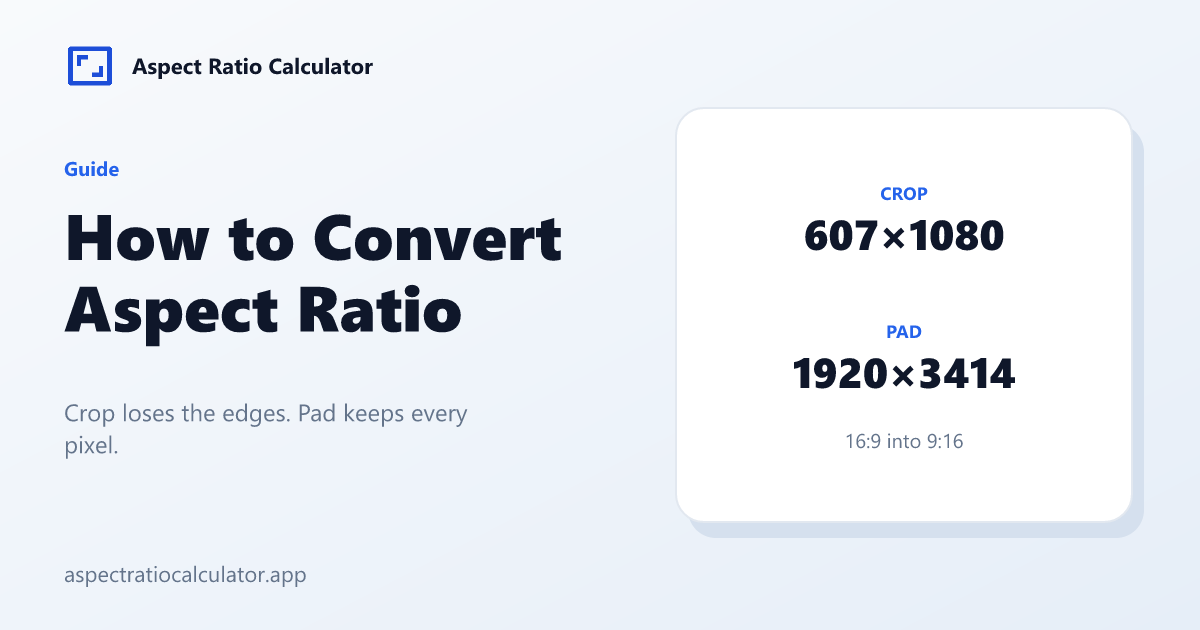
Crop loses the sides. Pad keeps the whole landscape picture with large top and bottom bars. Pick based on whether faces sit in the centre.
The same rule for a 4:5 feed
A 16:9 photo to 4:5 uses the same comparison. When the source is wider than 4:5, crop width = floor(H × 4/5). Pad height = ceil(W × 5/4). Run the numbers in the converter instead of guessing a centre cut.
Steps
- Measure stored pixels, not the player window.
- Choose the target ratio chip.
- Read the Crop card if you can lose edges.
- Read the Pad card if you cannot lose content.
- Avoid stretch unless a motion graphic must fill and distortion is acceptable.
More fixtures
1920×1080 → 4:3: crop 1440×1080, pad 1920×1440. 4000×3000 → 16:9: crop 4000×2250, pad 5334×3000. Write those floor and ceil results down before you open an editor, so the crop window matches the formula.
Choosing crop or pad in production
Crop when the subject is centred and the edges are sky, desks or unused UI. Pad when titles, faces or logos sit near a border you cannot lose. A news lower-third on a 16:9 master will vanish in a 9:16 centre crop; pad or reframe instead.
v1 reports sizes only. It does not set the crop origin. If the face is left-weighted, take the 607-pixel-wide window from the left, not from the middle. The converter still gives you the window size.
Frequently asked questions
How to convert aspect ratio without an editor?
Use floor for the crop and ceil for the pad. The aspect ratio converter applies those two steps.
Does convert change megapixels?
Crop reduces pixels. Pad increases canvas pixels (the extra area is empty).
Is 9:16 just 16:9 rotated?
Yes as a ratio. Convert still needs new pixel sizes if the file is landscape.
Where is the crop position?
v1 reports sizes only. Position handles wait for the image tool phase.
Can I share a convert?
Open the aspect ratio converter and copy the result. This site does not put width, height or ratio into the URL.