
The pad formula again
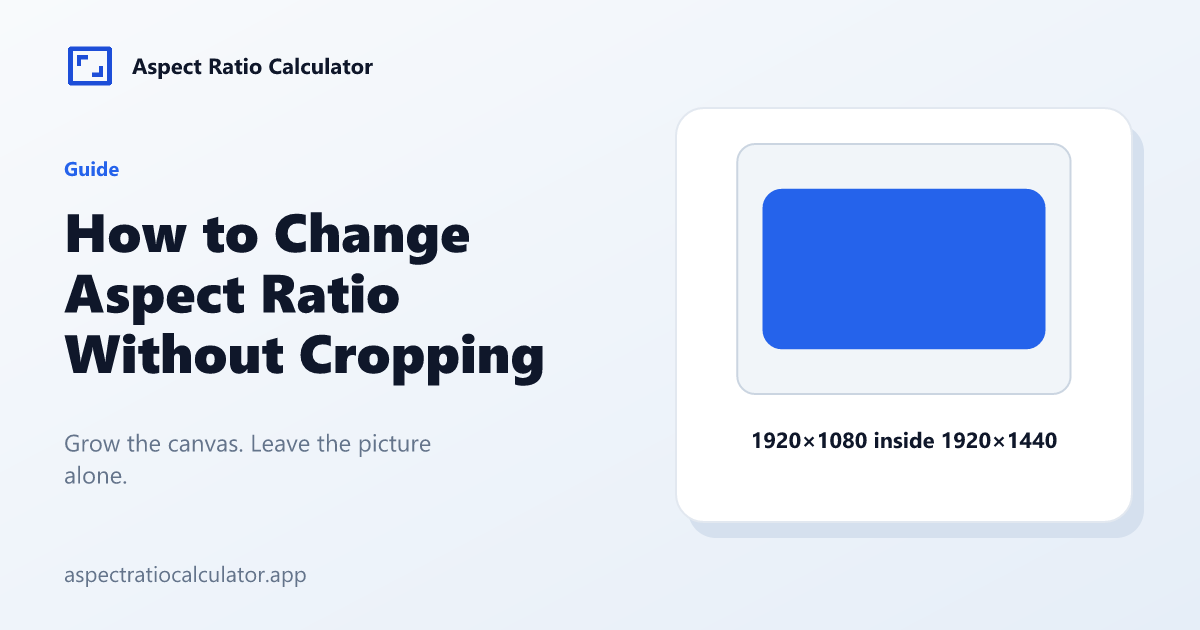
If the source is wider than the target, canvas height grows: canvasH = ceil(W × rh/rw). If the source is taller, canvas width grows. 1920×1080 to 4:3 pads to 1920×1440. 1920×1080 to 9:16 pads to 1920×3414.
When padding is the right call
Archival film, slides with text near the edge, or any picture you are not allowed to trim. Social apps may still crop the padded file on their side. Read the platform page.
Padding increases file pixels. A 1920×3414 canvas is heavier than a 607×1080 crop.
What padding is not
It is not a higher resolution of the subject. Empty bands are new pixels, usually black, blur, or a background colour. Stretching fills the frame but changes the aspect of faces; the converter keeps that warning collapsed.
A short pad walkthrough
Take a 1920×1080 slide you cannot crop because a logo sits in the corner. Target 4:3. Source is wider, so canvas height becomes ceil(1920 × 3/4) = 1440 and width stays 1920. The extra 360 rows are letterbox. Export that canvas; do not stretch the 1080 rows to 1440.
The same walkthrough to 9:16 produces a very tall canvas (3414). Teams who hate that much empty space usually crop instead. Padding is the honest option when a logo or a caption sits on the edge you would otherwise cut. The extra rows are empty pixels, usually black, a blur, or a flat colour. They do not add detail to the picture you already had. Export the padded canvas as its own file, and do not scale the original picture up to the new height.
Frequently asked questions
How do I change aspect ratio without cropping?
Pad the short axis until the canvas matches the target ratio. That keeps every source pixel.
Is letterbox the same thing?
Letterbox is pad on the top and bottom.
Will Instagram still crop?
It may. Check the Instagram aspect ratio page.
Does pad keep quality?
It keeps source pixels. It does not add detail.
Can I pad and then crop later?
Yes. Keep a padded master and crop per platform.